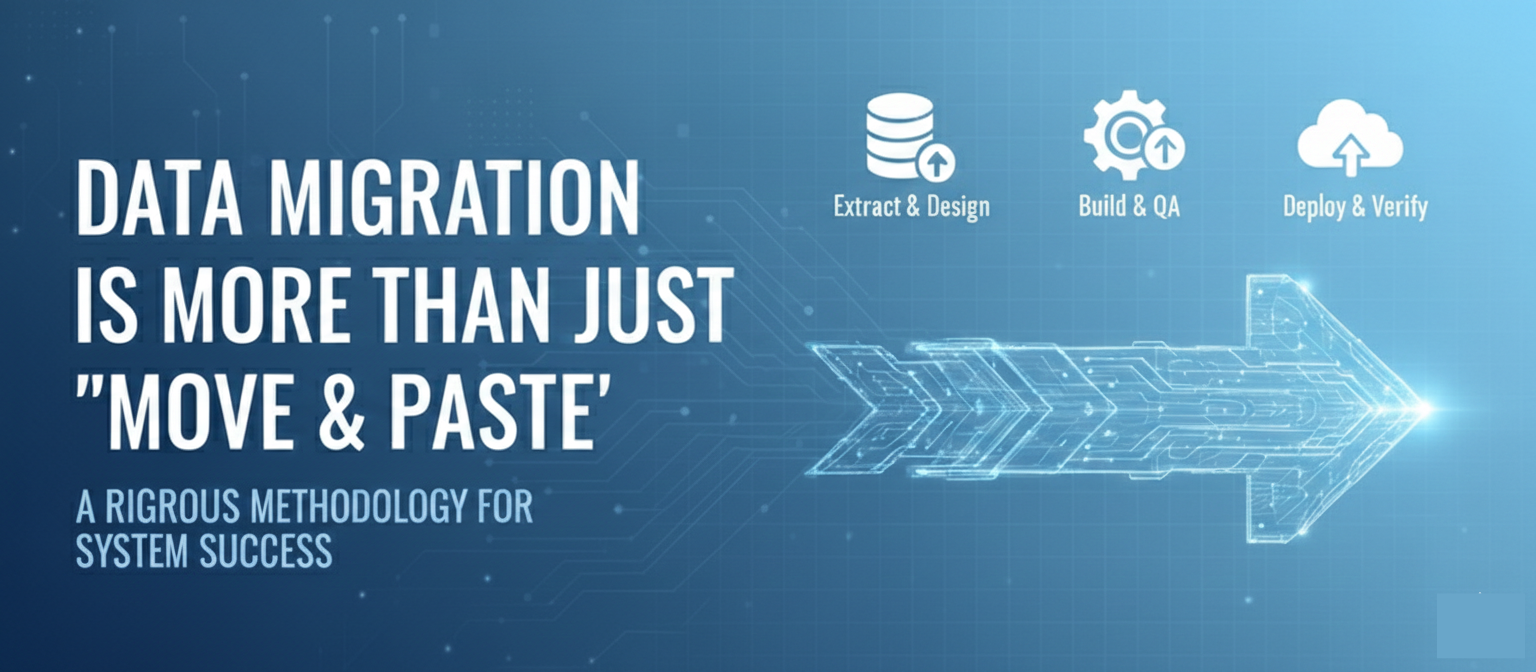
Data Migration is More Than Just "Move & Paste"

Camfire Case Study

Data Migration is More Than Just "Move & Paste"

Data migration is often treated as a side task, but at VFP Consulting, we treat it as a core pillar of system success. Why? Because even the best-designed system is only as good as the data living inside it.

As a Data Migration lead (Add this from Sri’s perspective), I’ve seen how easy it is for migrations to get messy without a rigorous methodology. That’s why we leverage Campfire—not just for system requirements, but as the "source of truth" for our data mapping and implementation.

The Lifecycle of a Successful Migration

We follow a disciplined flow to ensure zero surprises on go-live day:

  1. Design & Discovery: This is where the magic happens. We build our mapping documents and Lucidchart diagrams to visualize exactly how source data flows into the target system.
  2. Build and QA/Unit Testing: We don’t just hope it works. We extract, transform, and load test data to validate our rules and accuracy early in the cycle.
  3. The "Silent" Pre-Deploy Step: This is the most critical lesson learned. Before scenario testing, we must turn off system automation. If you don't, you'll trigger errors and "ghost" processes that corrupt your testing results.
  4. UAT Testing: We migrate the full data set and put it through the wringer—Scenario Testing, SIT, and End-to-End (E2E) testing. If the business process works with the migrated data, we’re ready.
  5. Deployment: Once the data is in and verified, we document all detailed steps as Deployment tasks in Campfire, with Configuration Items, to ensure we don’t miss a single step.  And we flip the switch back on for automation.

Why Campfire?

By tracking data migration requirements in Campfire, we can link source-to-target mappings directly to those requirements. We also capture those "finer details"—like specific ETL tool requirements or sequential deployment tasks—directly in the platform. It ensures that the "how" and the "why" stay connected.

Whether we are using custom ETL tools or native loaders, the methodology remains the same: Design, Build/Migrate, Test, and Deploy.

What’s your "must-do" step before hitting 'Import' on a major data load? Let’s talk shop in the comments!

Take IT project management to the next level.

Book a Demo Today!

Discover how Campfire can be the catalyst for your next successful IT project. Let’s get started!
Thank you! Your submission has been received!
Oops! Something went wrong while submitting the form.
©2024 Campfire All Rights Reserved.